page-banner-shape-1 cybreez
web design company in Kenya

What Is Web Design and Development? A Complete Guide (2026)

What is Web Design and Development? A Complete Beginner’s Guide

Have you ever wondered what actually happens behind the scenes of your favorite websites? To the untrained eye, a website is just a digital storefront where you read content, click buttons, and buy products. But beneath that smooth interface lies a powerful combination of two distinct digital disciplines: web design and web development.

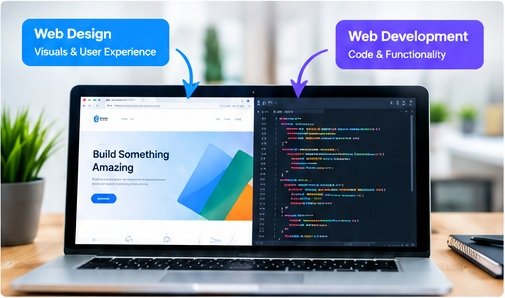
While people often use these terms interchangeably, they represent two completely different sides of the website creation process. Web design focuses on the visual aesthetics and user experience of a website, while web development handles the coding and technical functionality that makes it work.

If you want to build a successful online presence, understanding how these two worlds collide is essential. Let’s break down exactly what web design and web development mean, how they differ, and why you need both.

02_web_design_and_development_laptop

What is Web Design? (The Look and Feel)

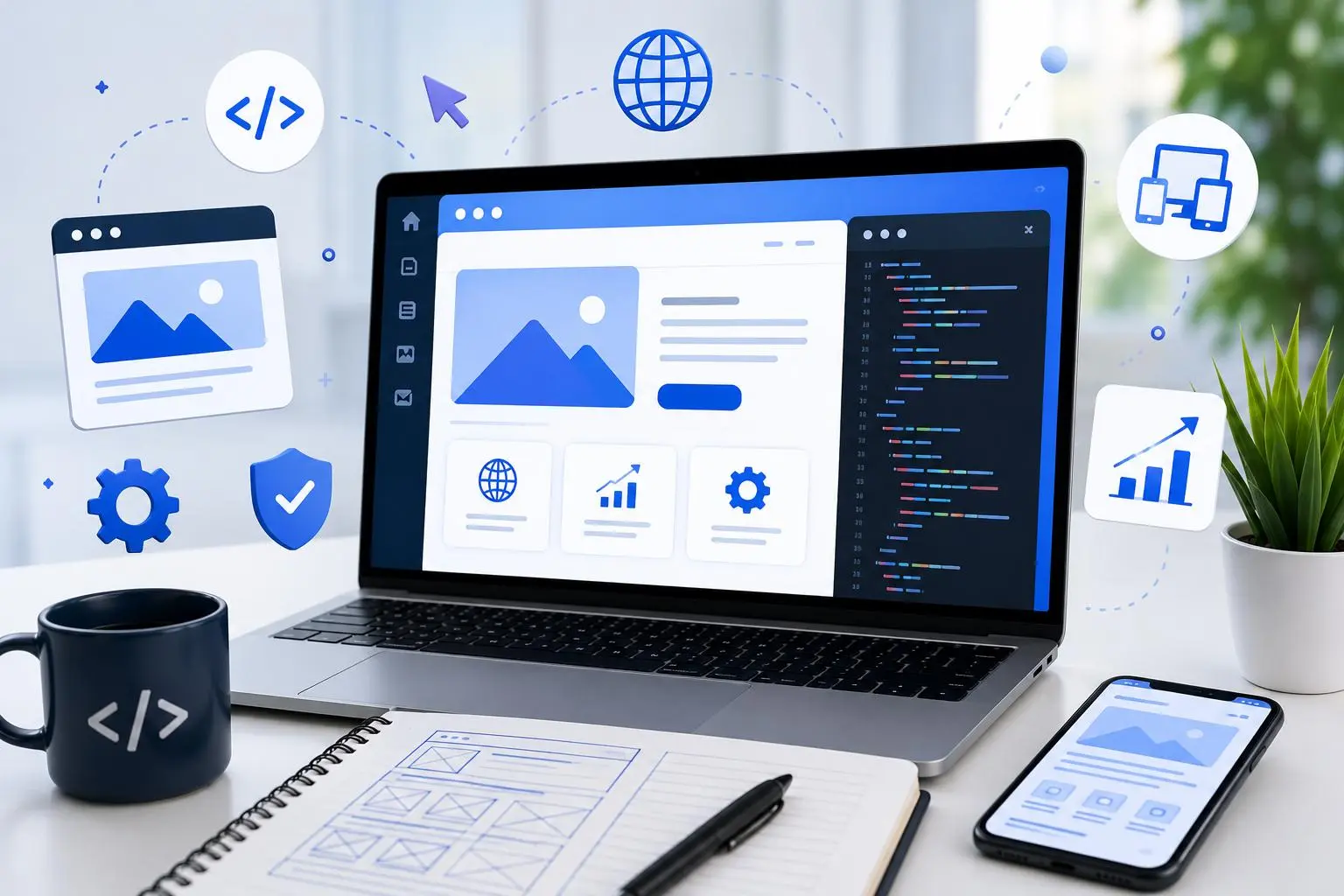
Web design is all about the visual aesthetics and the user experience (UX). Think of a web designer as an architect and an interior designer rolled into one. They focus on how the website looks, how it feels to navigate, and how users interact with the interface.

Web design focuses on how a website looks and feels. It includes layout, colors, typography, navigation, buttons, imagery, and the overall user experience. A good design helps visitors find information quickly and understand what a business offers.
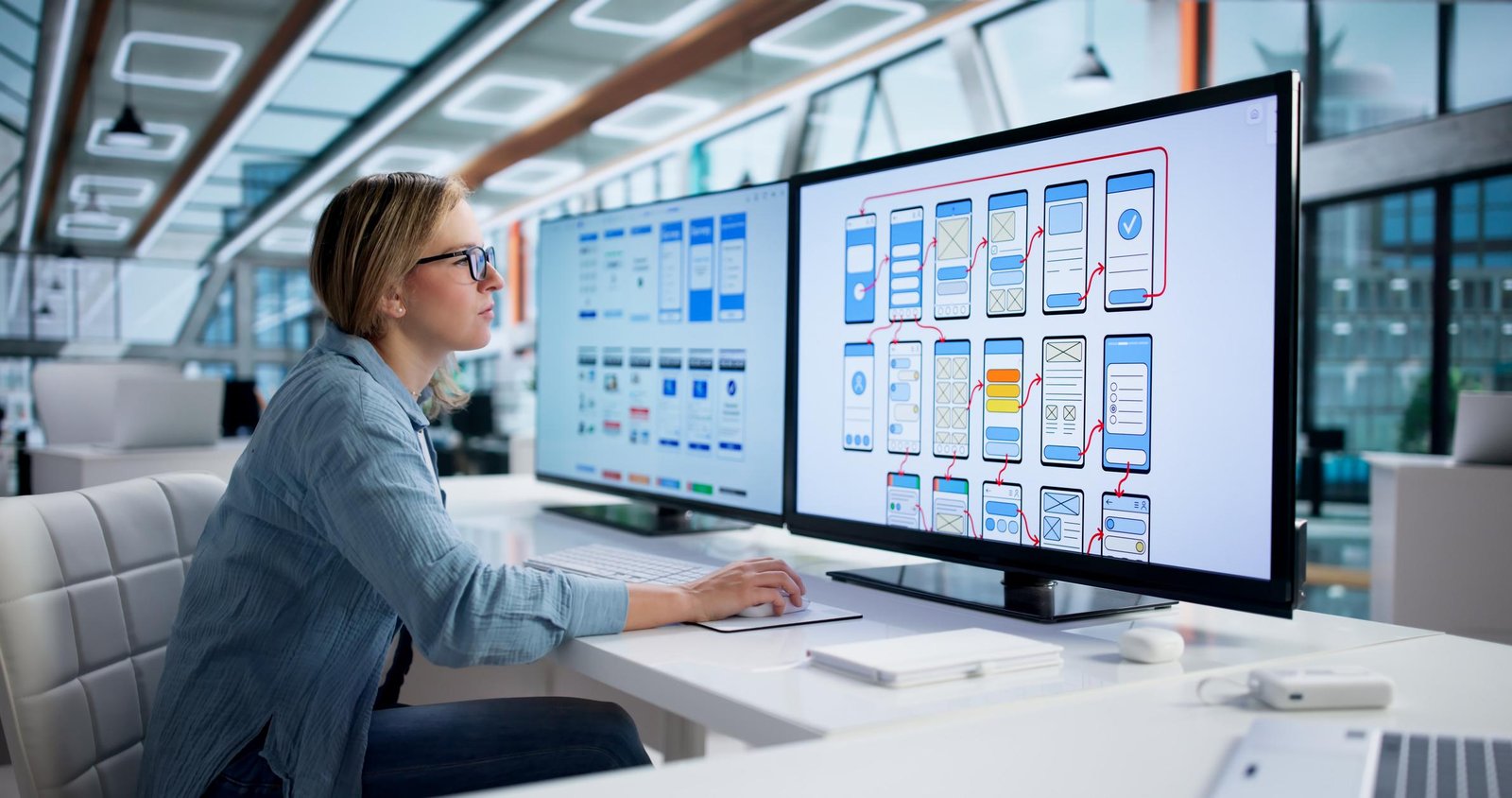
A web designer's main goal is to create a website that is visually appealing, easy to use, and aligned with a brand's identity.

Key Elements of Web Design

  • User Interface (UI) Design: Crafting the actual visual layout, including buttons, menus, and forms.
  • User Experience (UX) Design: Researching and planning the user's journey to ensure the website is intuitive and easy to navigate.
  • Color Theory & Typography: Selecting the perfect color palettes and fonts to match the brand's personality.
  • Graphic Design: Creating custom visuals, icons, and imagery that enhance the layout.
  • Tools of the Trade: Web designers primarily use design software like Figma, Adobe XD, or Sketch to build interactive prototypes before any coding begins.
SHbzH5-rJuzu8lqIxGrclmOSaOGlUiaPOl2uxYP1rZkZvgn_oKUljY35R1qfQ9fyuHM7IQmhMtX9HhPY_8m_TXt6TzVigLRe6UXqADpQCacnIyFkbmh1yCs0KtXTIafQdTzyfbEvmLPCUTmHqEelfULcUjnmD73EPn6mDkskkKjHUgQ1Pl6plb2S1iSwZcni
3ABUwTiRMAjImeG3Z7-TJfr9byzsyzQ5U5b6xEr77F4o9-7DH9WWVxeff36tJJu35p1Hoyg0VY4dtwIfnMC2X5UiJvFOLJoYAe3Agdc701BjlPSwRIACY-OUQfxGGksfmfQZKgsAGBTHLuJ7HHrZDQBwuQJz2U6T3xX6UWeKf48VXvF2lrwmwalw5MVPXr1H

What is Web Development? (The Engine and Gears)

Web development is the technical side of building a website. If web designers build the blueprint, web developers are the construction crew that lays the bricks and installs the plumbing. They take the static mockups created by designers and turn them into functional, interactive webpages using code.
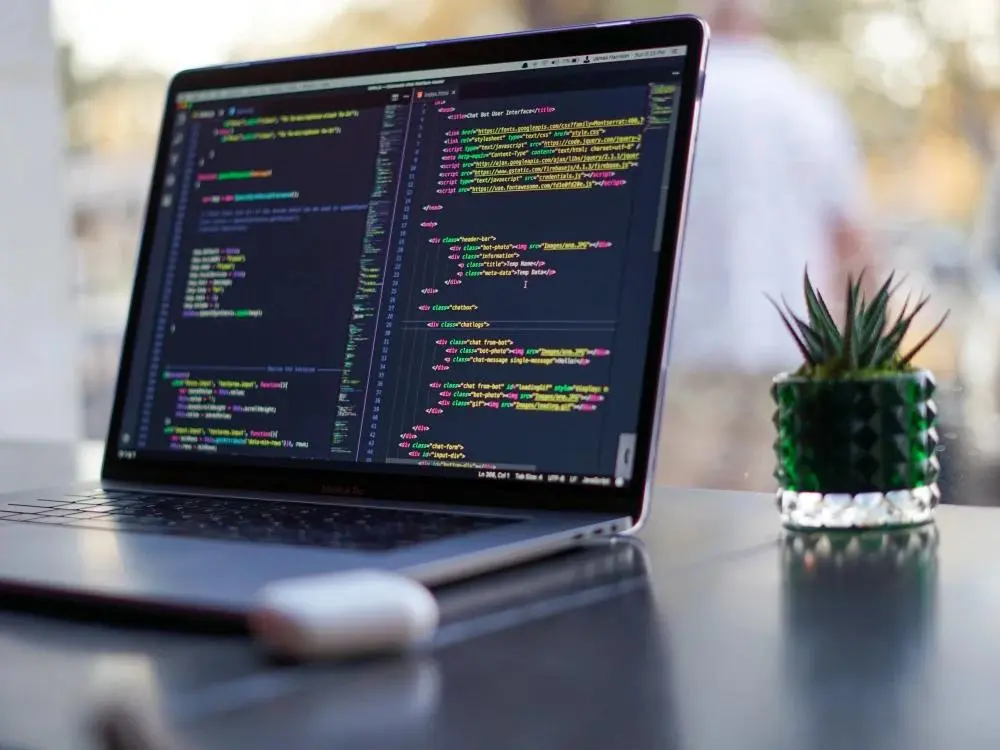
Web development is generally split into three main categories:

1. Front-End Development

Front-end development focuses on the "client-side" of the website—everything the user sees and interacts with directly. Front-end developers use languages like HTML (to build the structure), CSS (to style the layout), and JavaScript (to add interactive elements like animations or pop-ups).

2. Back-End Development

Back-end development focuses on the "server-side" of the website. This is the invisible engine that powers the site behind the scenes. Back-end developers handle servers, databases, and application logic. If you buy a product or log into a profile, the back-end ensures your data is securely stored and processed using languages like Python, PHP, Ruby, or SQL.

3. Full-Stack Development

Full-stack developers are the jack-of-all-trades. They are proficient in both front-end and back-end development, meaning they can build an entire website from scratch, handling both the visual interface and the server architecture.

Web Design vs. Web Development: The Core Differences

To keep it simple, think of a website like a modern car:

FeatureWeb Design (The Car's Body)Web Development (The Car's Engine)
FocusVisuals, aesthetics, and user feel.Code, functionality, and logic.
Primary GoalMaking the site beautiful and easy to use.Making the site fast, secure, and functional.
Core SkillsCreative thinking, branding, layout design.Logical thinking, problem-solving, coding.
Tools UsedFigma, Adobe Creative Cloud, Sketch.VS Code, GitHub, programming languages.

Why You Need Both for a Successful Website

A beautiful website that doesn't load is useless. Similarly, a lightning-fast website that looks like it was built in 1995 will drive users away.

True digital success happens when web design and web development work in perfect harmony:

  • Better Conversion Rates: A great design hooks the user visually, while seamless development ensures the checkout or contact form works perfectly.
  • Search Engine Optimization (SEO): Clean code (development) combined with clear layout hierarchies (design) helps search engines like Google rank your website higher.
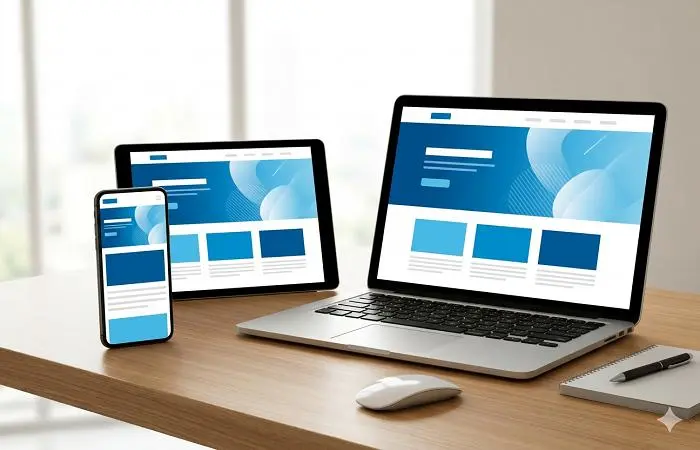
  • Mobile Responsiveness: Designers plan how a site looks on a smartphone, and developers code it so that it shrinks and scales flawlessly across all screen sizes.

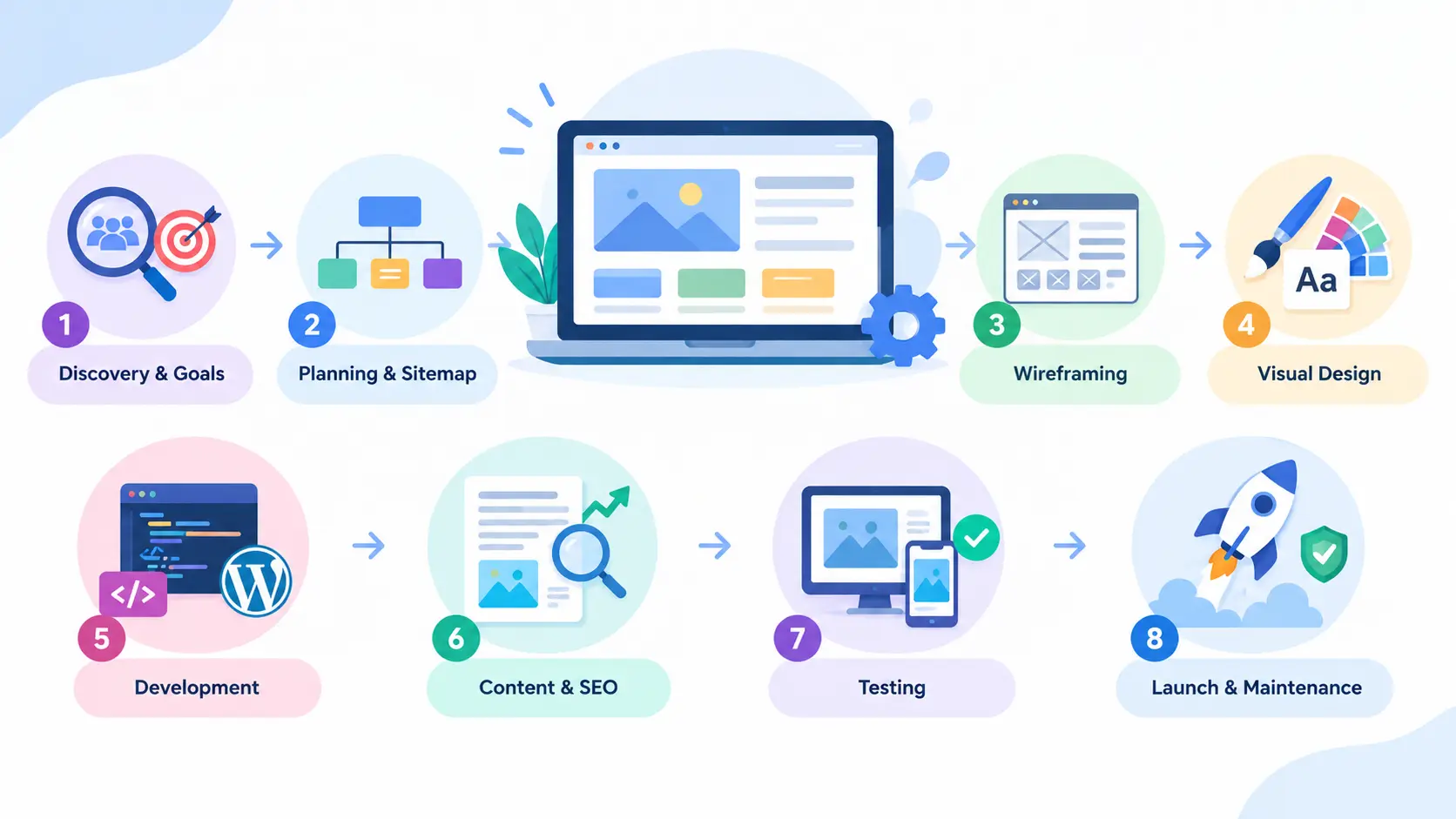
How a Website Is Built: The Web Design and Development Process

  1. Discovery and goals. Define your audience, objectives and competitors. What should the website achieve: leads, sales, bookings or brand awareness
  2. Planning and sitemap. Map out pages and navigation so visitors can find things in a few clicks.
  3. Wireframing. Create low-detail layouts that show structure before any styling.
  4. Visual design. Apply your brand colors, fonts and imagery to build polished mockups.
  5. Development. Developers code the front end and back end, and often set up a content management system such as WordPress.
  6. Content and SEO. Write clear copy, optimize headings, meta tags and images, and set up proper URLs.
  7. Testing. Check every page on different browsers and devices, and test speed, forms and security.
  8. Launch and maintenance. Go live, then keep the site updated, backed up and secure.
Key Elements of a High-Performing Website

Responsive design

More than half of web traffic comes from phones. Responsive web design makes your site adapt smoothly to any screen, from mobile to desktop.

Speed

Slow sites lose visitors and rank lower. Compressed images, clean code and good hosting keep pages loading fast.

SEO-friendly structure

Search engines reward sites that are well structured: logical headings, descriptive titles and meta descriptions, fast loading, secure HTTPS and clean URLs. Building SEO in from the start is far easier than fixing it later.

Clear calls to action

Every page should tell visitors what to do next. Make buttons visible and the wording specific, such as "Get a Free Quote".

Accessibility

An accessible website works for people with disabilities, through good color contrast, readable text, keyboard navigation and image alt text. It is the right thing to do and it widens your audience.

Security

HTTPS, regular updates, strong passwords and backups protect your business and your visitors' data.

  • Mobile-first design: designing for phones first, then scaling up
  • Dark mode and flexible themes
  • Minimal, fast-loading layouts with plenty of white space
  • AI-assisted tools for content, layouts and personalization
  • Micro-interactions: subtle animations that make a site feel alive
  • Core Web Vitals focus: performance and stability measured by Google

How to Choose a Web Design and Development Company

Before you hire, check that the team:

  • Shows a portfolio of real, relevant projects
  • Understands SEO and conversion, not just visuals
  • Builds custom, responsive websites rather than recycled templates
  • Communicates clearly and gives a transparent timeline and price
  • Offers ongoing support after launch
  • Can serve clients anywhere, with strong collaboration across time zones

Frequently Asked Questions

What is web design and development in simple terms? Web design is how a website looks and feels; web development is how it works. Together they produce a complete, usable website.

How long does it take to build a website? A simple business site can take 2 to 4 weeks. Larger custom sites or online stores often take 2 to 4 months, depending on features and content.

How much does a website cost? Cost depends on size, features and customization. A basic brochure site costs far less than a custom e-commerce platform. Ask for a detailed quote that lists exactly what is included.

Do I need both a designer and a developer? Yes, in some form. Many agencies provide both under one roof, which keeps design and code aligned.

Is web design important for SEO? Absolutely. Layout, speed, mobile friendliness and structure all influence how search engines rank your site and how long visitors stay.

Conclusion

Web design and web development are two sides of the same coin. One brings the creative vision, while the other provides the technical power. Whether you are looking to build a personal blog, a business portfolio, or a massive e-commerce store, balancing stunning design with robust development is the ultimate secret to winning on the internet.

Leave a Reply

Your email address will not be published. Required fields are marked *